
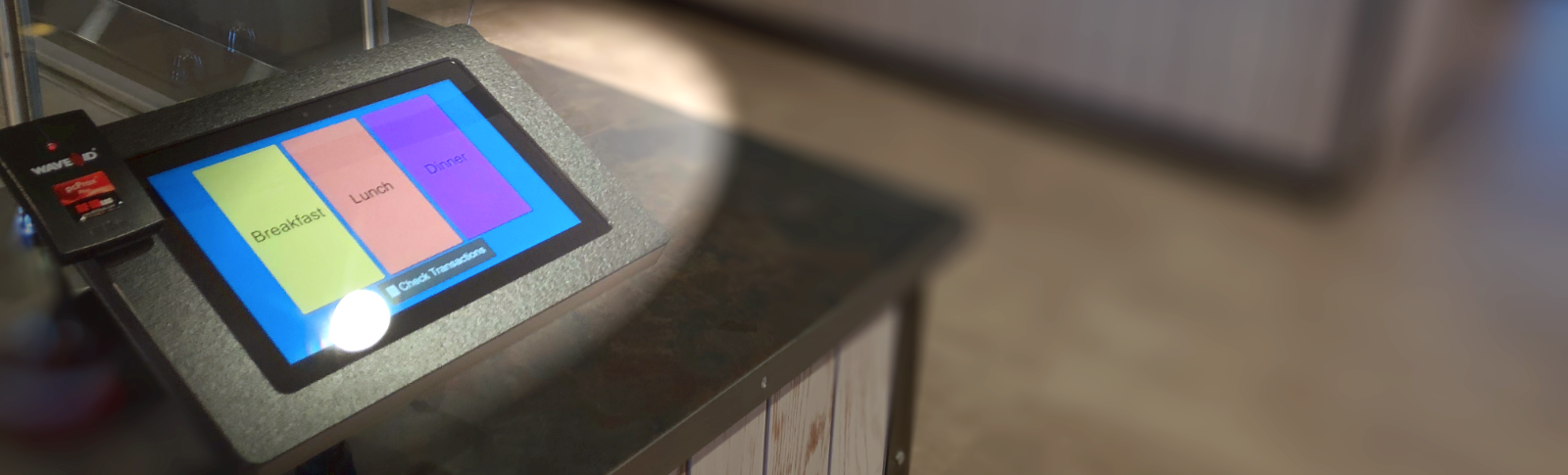
Welcome to MyKidsSpending
Your portal for managing and funding your child's spending account
Your portal for managing and funding your child's spending account
From everyday purchases to on-the-go transactions, MyKidsSpending helps parents easily manage their child's spending accounts in one place.
We partner with organizations across the country to give parents better visibility and control over their child’s spending. Through MyKidsSpending’s secure login system, you can view account activity, add funds to spending accounts, and download PDF statements for individual or multiple students, all within a single dashboard.
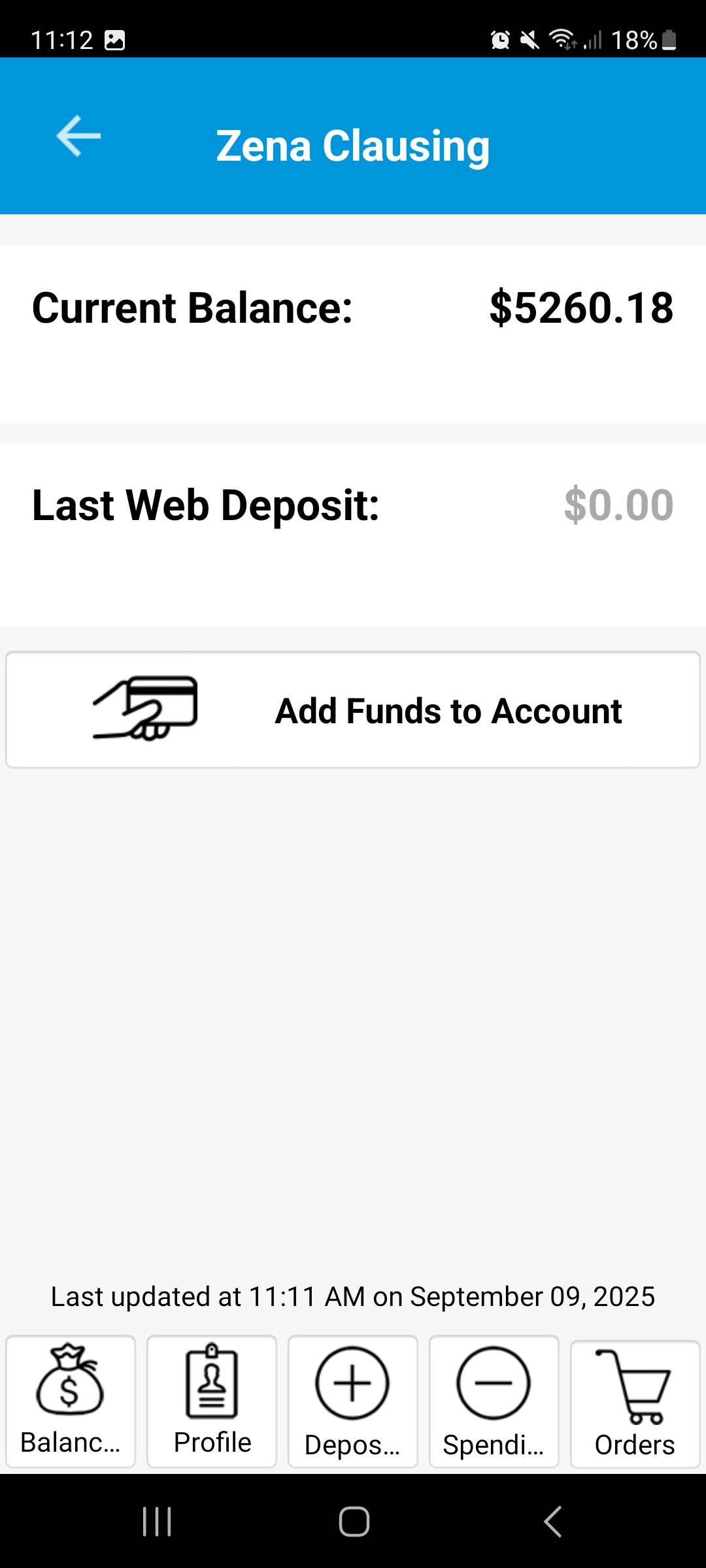
View activity
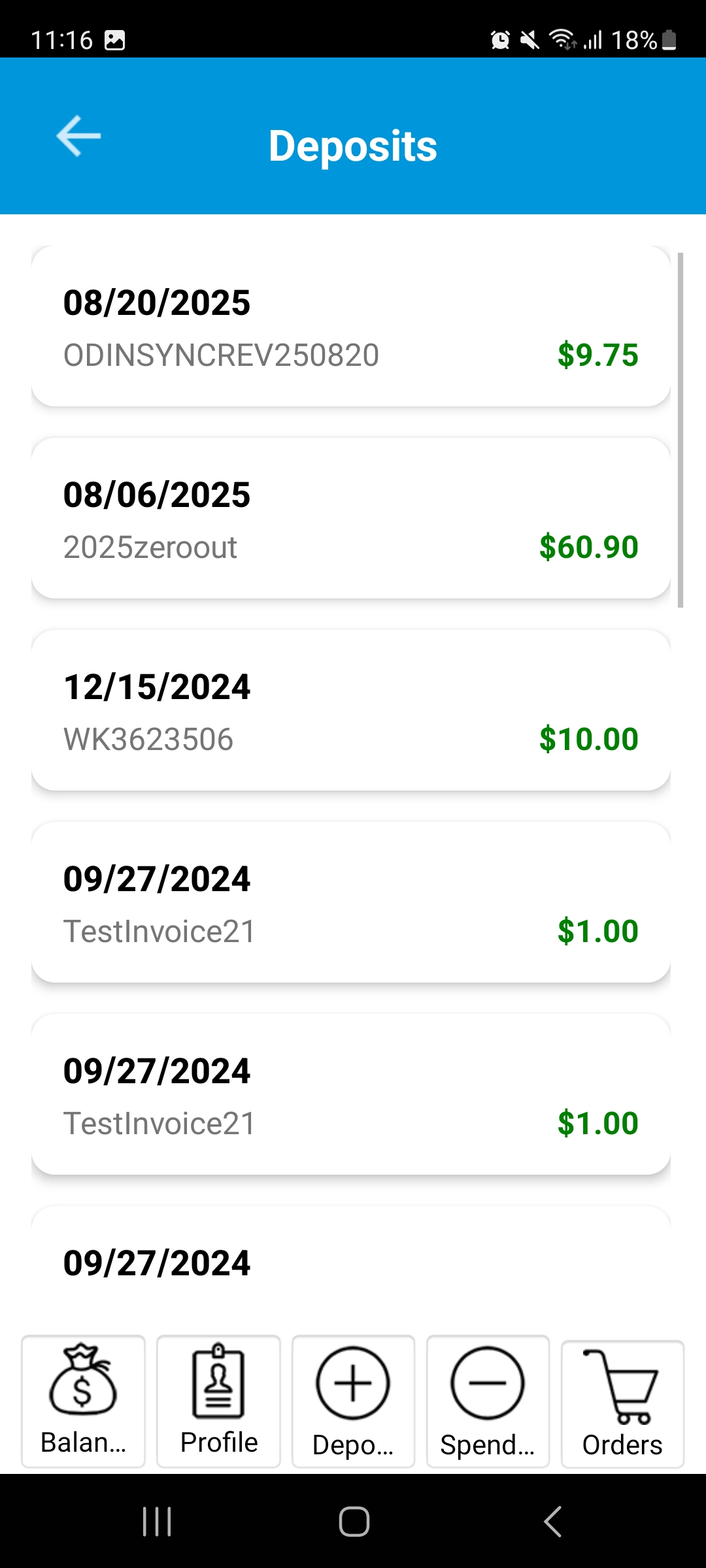
Manage funds
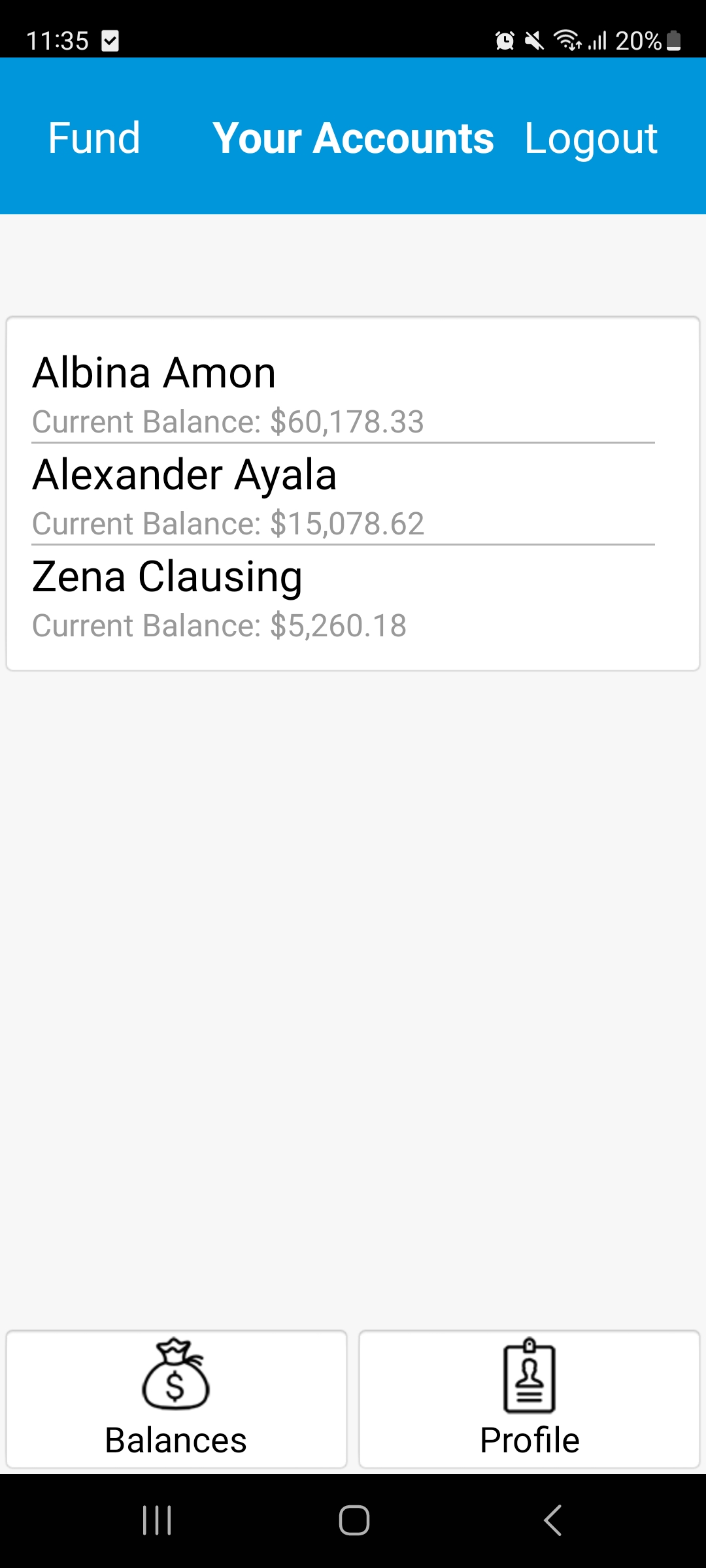
Support everyone in one place.

You can securely access your MyKidsSpending account using your email address and a unique password.

MyKidsSpending removes the burden of incidental reporting and collection from your staff. It gives parents timely access and greater control over their child's spending, while reducing administrative workload for your organization.

MyKidsSpending is part of Odin, Inc
a leading provider of point-of-sale (POS) and spending account solutions.
For more than 20 years, Odin has developed software that helps our customers efficiently manage bookstores, cafeterias, and other spending areas. We work closely with our customers to deliver fast, easy-to-use, and affordable POS solutions tailored to their needs.
Everything you need to know about logging into MyKidsSpending
If the organization name, last name, and ID you entered match our records, your account will be set up immediately. You’ll receive a confirmation email within minutes that includes your account details and password.
If you don’t have the ID number, or we’re unable to verify the information you entered, don’t worry. We will review your request and send a confirmation email within 1-3 business days once your account has been set up.
Yes. To add multiple accounts, please register each of them separately. After completing each registration, click “Register” to finish the process.
Please allow emails from AccountSetup@mykidsspending.com and add this address to your contacts or address book to prevent the message from being filtered as spam.
First, check your spam or junk folder. If you still don’t see the email, please contact our support team at support@mykidsspending.com for assistance.